Help us improve your experience.

Let us know what you think.

Do you have time for a two-minute survey?


Reseat the Power Supply Unit

The power supply units (PSUs) on the ME-X6 are not field-replaceable components. If the PSU on your device needs to be replaced, follow the Return Material Authorization (RMA) procedure.

Remove a Power Supply Unit

To remove a PSU:
  1. Disconnect the power cable from the power outlet and from the PSU.
  2. Remove the cable from the strap on the PSU handle.
  3. Unlatch the optional cable management arm if it interferes with removing the PSU.
  4. Press the orange release latch to the left to release the PSU.
  5. Hold the PSU handle and slide the PSU out of the slot.
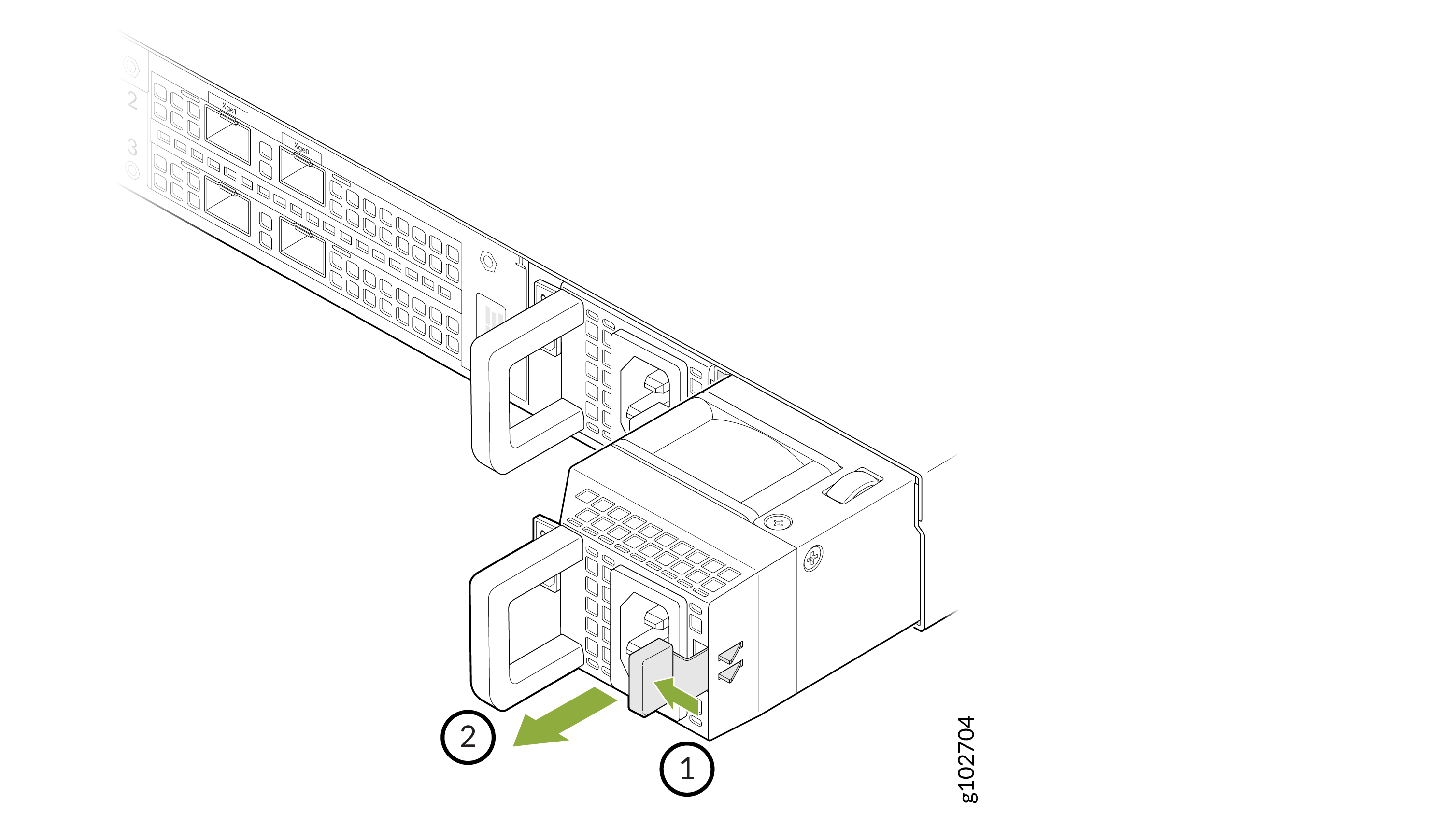
    Technical illustration showing component removal or installation in server; two handles with arrows and numbered steps for sequence.

Install a Power Supply Unit

If your device has redundant PSUs, make sure that they are of the same type and have the same maximum output power.

To install a PSU:
  1. Hold the PSU handle and slide the PSU into the slot on the device. The release latch snaps into place.
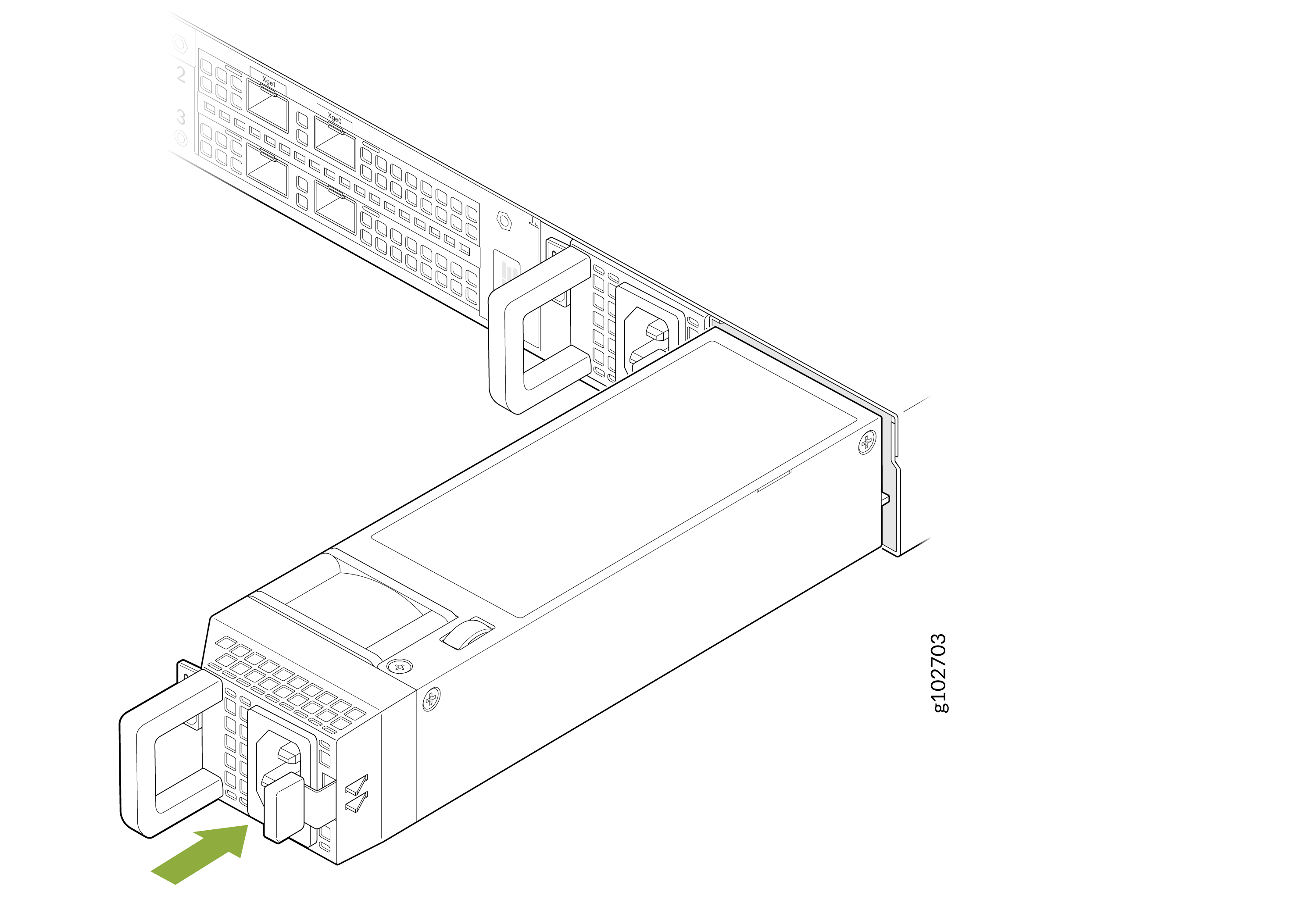
    Power supply unit being inserted or removed from server rack with green arrow indicating direction. Hot-swappable design.
  2. If you have unlatched the cable management arm, latch it again.
  3. Connect the power cable to the PSU.
  4. Plug the other end of the power cable into a power source outlet.