Update User Profile
-
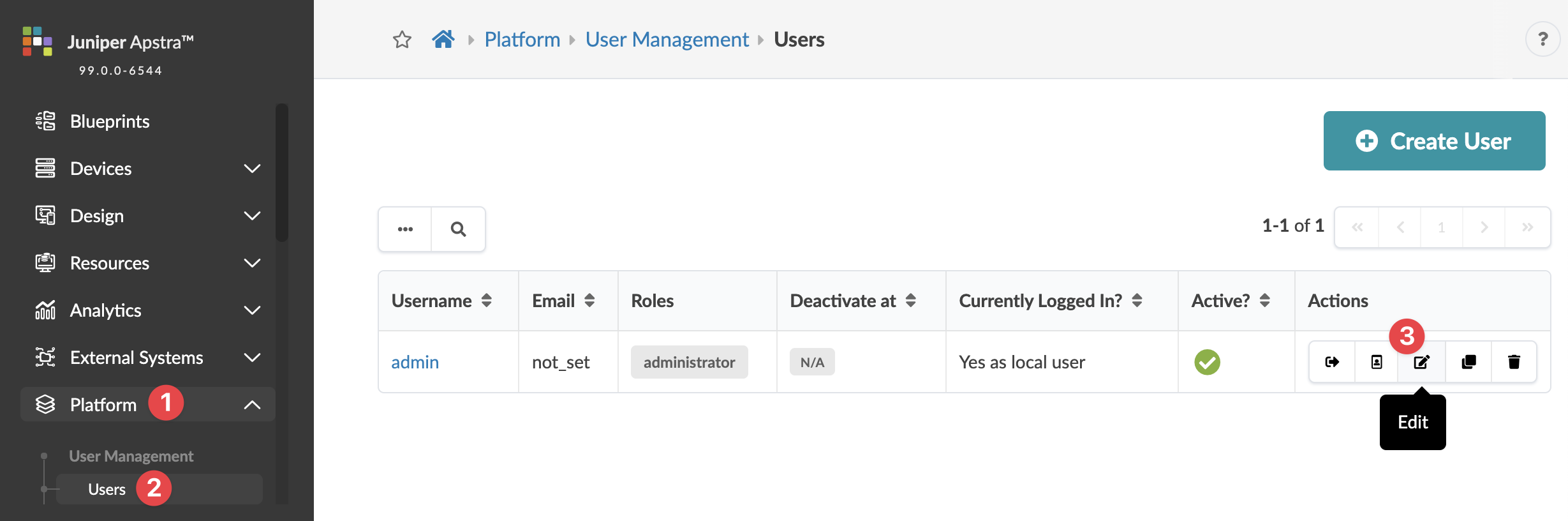
From the left navigation menu, navigate to Platform > User Management
> Users and click the Edit button in the
Actions panel, for the user profile to update.

Help us improve your experience.
Let us know what you think.
Do you have time for a two-minute survey?