Auto-Tunnels Reporting for Verification
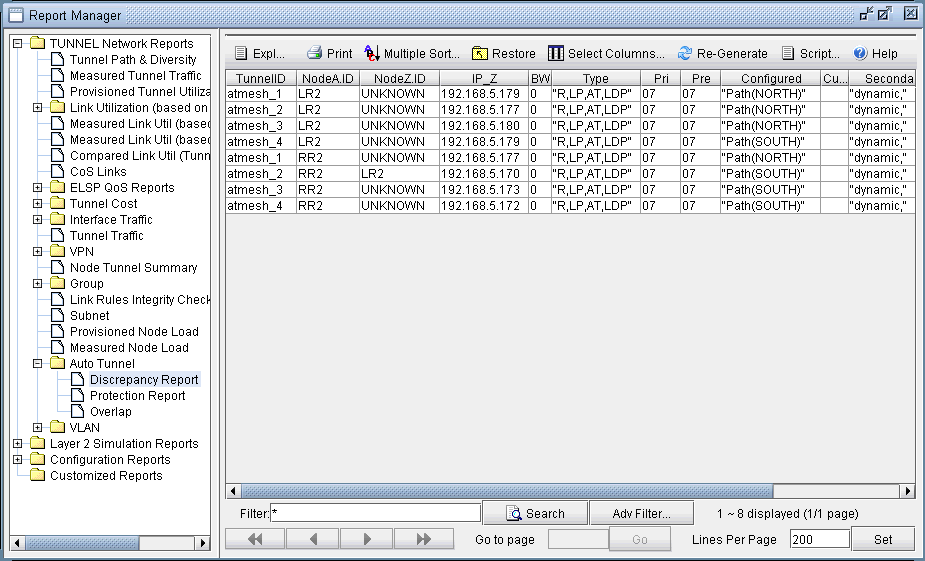
There are three reports created under the Report Manager's Auto Tunnel Folder specifically for Cisco Auto Tunnel verification and analysis. Open the Report Manager (Report > Report Manager) and click on any report under the Tunnel Layer Network Reports > Auto Tunnel folder. The Discrepancy Report lists the auto-tunnels modeled by the tool that are not generated by the router. In particular, an extra tunnel modeled in the tool will have its tunnel ID set to atbackup_n or atmesh_n depending on whether it is a backup auto-tunnel or mesh group primary auto-tunnel. The following figure shows an example Discrepancy Report:
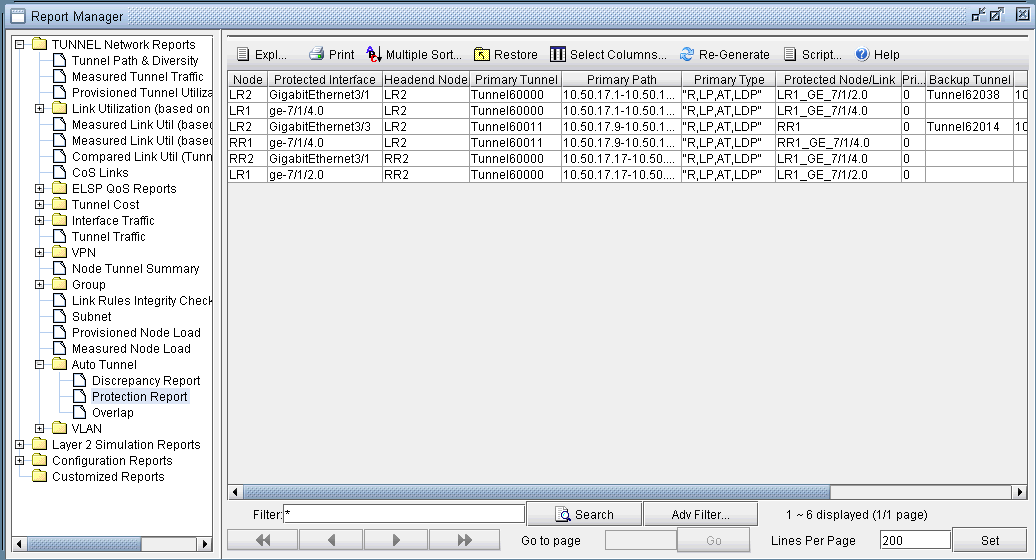
The Protection Report, as shown in the following figure, shows a list of all interfaces in the network that are being protected along with other details like the tunnel which the interface is protecting and whether it is node protecting or link protecting the tunnel.